Elderly care
An organized view of supported health indicators and daily activity for seniors.
With Watch Demo, explore a clearer way to connect your watch, daily insights and the people you care about — in one simple experience.
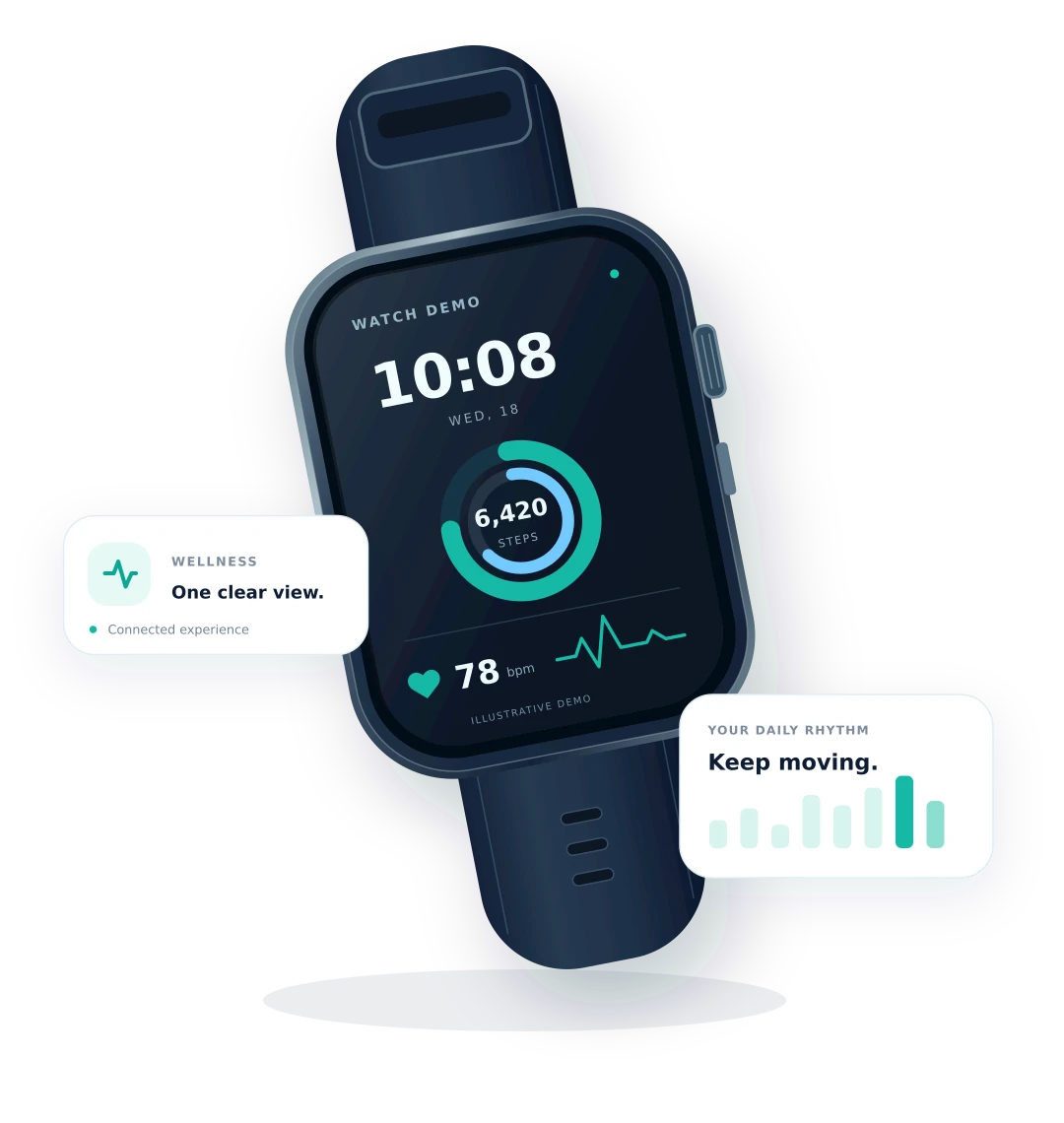 An illustrative look at the experience
Your everyday, better connected
Health insightsDaily activitySleep & restAlerts & connectionEvery day, for the people you love
Choose a watch that suits the wearer's age and needs, with daily updates and connection in one experience.
An organized view of supported health indicators and daily activity for seniors.
Follow supported daily activity and health data from a compatible watch, subject to age requirements and device settings.
Follow steps, physical activity, calories and fitness indicators supported by the health-data source.
Keep supported health indicators in one experience to help individuals and caregivers organize follow-up around their needs.
Record and follow the health, activity and safety features supported by your compatible watch, from daily steps to heart rate, sleep and alerts.
Follow your daily steps to understand how much you move.
An estimate of energy used during activity; requires a watch and integration that support this data.
View the pulse rate reported by the watch, in beats per minute.
View systolic and diastolic readings from a watch that supports measurement.
Variation in the time between beats is different from heart rate, and needs specific device and app support.
Check the sensor type: some watches measure skin temperature, rather than core body temperature.
Follow oxygen saturation readings from a compatible watch.
Sleep duration and patterns, when sleep tracking and data syncing are supported.
Breaths per minute, where this indicator is supported by the watch and integration.
Requires a watch with fall detection, enabled alerts and connectivity. It cannot detect every fall.
Not every indicator is available on every watch or app version. Watch readings can support everyday monitoring and do not replace medical assessment.
Everyday safety, wellbeing reminders and connection for you and those who care about you.
Choose for your needs
Check the model and its features before choosing. Measurement, communication and app compatibility vary between watches.
Model SM-R960, Bluetooth version. A round display and rotating bezel for everyday activity and workouts.
Blood pressure is for ages 22+, requires a Samsung Galaxy phone and cuff-based calibration every 28 days. Regional restrictions apply; this Bluetooth model relies on phone connectivity for calls.
Official watch informationModel LCA-B11. A gold aluminium case and white strap, with an inflatable cuff for blood pressure measurement.
Intended for adults aged 18+. Follow measurement posture and cuff instructions, and check local feature and software availability. Not intended for swimming.
Official watch informationGPS version, Jet Black aluminium with a black Sport Band M/L. Model A3331, part number MEQU4AF/A.
Requires a compatible iPhone. Possible hypertension notifications do not provide numerical blood pressure readings and have age and regional requirements. The GPS version is not a standalone cellular model.
Official watch informationA look at the experience
Explore how daily indicators, reminders and account setup can come together in a simple experience.
Illustrative preview — not screenshots of the published app
Heart rate
72 bpm
Blood oxygen
98%
Your activity this week
Illustrative sample data
Four steps to use your compatible watch every day.
Get started with clear steps
Create an account, verify your email, then add the wearer and a compatible watch.
Open the store link for your phone in the download section.
Enter your name, email and password, then confirm your password.
Enter the activation code sent to your email to complete registration.
Complete the details, link a compatible watch, and personalize contacts and alerts.
A child's account is managed with parental supervision. Give access only to the people you choose.
Watch Demo brings elderly care, children’s daily activity, athlete tracking and support for people with special needs into one experience. Follow available health indicators and daily activity from your compatible watch, subject to your permissions and subscription, and contact support for help getting started.
Contact usUpdates for trusted contacts
Reminders for your routine
Help getting started
Watch Demo on your phone
Scan with your phone's camera, or open the link directly.
Temporary links until the app is published on Google Play and the App Store.
For Android phones
 Open temporary link
For iPhone
Open temporary link